SSO Agency · November 28, 2026
System Integrations for Sustainable Growth
A customer submits a form, sales qualifies the lead, finance creates an account, and the delivery team starts work. On paper, that is one business process. Without effective system integrations, it becomes four disconnected handoffs, duplicate data entry, delayed follow-up, and a growing chance that critical information is wrong.
For growth-stage companies, integrations are not simply a technical cleanup task. They determine whether teams can move quickly without building more manual coordination into every transaction. The right approach creates reliable data flows, removes avoidable operational work, and gives leadership a clearer view of what is actually happening across the business.
What system integrations actually solve
A system integration connects applications, databases, services, or internal tools so information and actions can move between them according to defined rules. That may mean sending a qualified lead from a CRM to a project platform, synchronizing subscription status with a support tool, or connecting a custom application to an accounting system.
The business value is rarely the connection itself. It is the outcome of having one process operate as one process.
When systems are disconnected, people become the integration layer. They export spreadsheets, copy fields between tools, search for updates in chat threads, and reconcile conflicting records at the end of the week. These workarounds can be acceptable early on, when volume is low and the process is still changing. They become costly when the company adds customers, products, team members, or compliance requirements.
The most useful integrations typically address one of three problems: a manual workflow is consuming meaningful team time, a decision depends on incomplete or inconsistent data, or a customer-facing process breaks down when systems do not agree. These are operational and commercial problems first. The technical design should follow from that fact.
Start with the workflow, not the software
A common mistake is choosing an integration platform or writing an API connection before defining the workflow that needs to improve. This produces automation around a weak process, often at the cost of more exceptions and harder maintenance later.
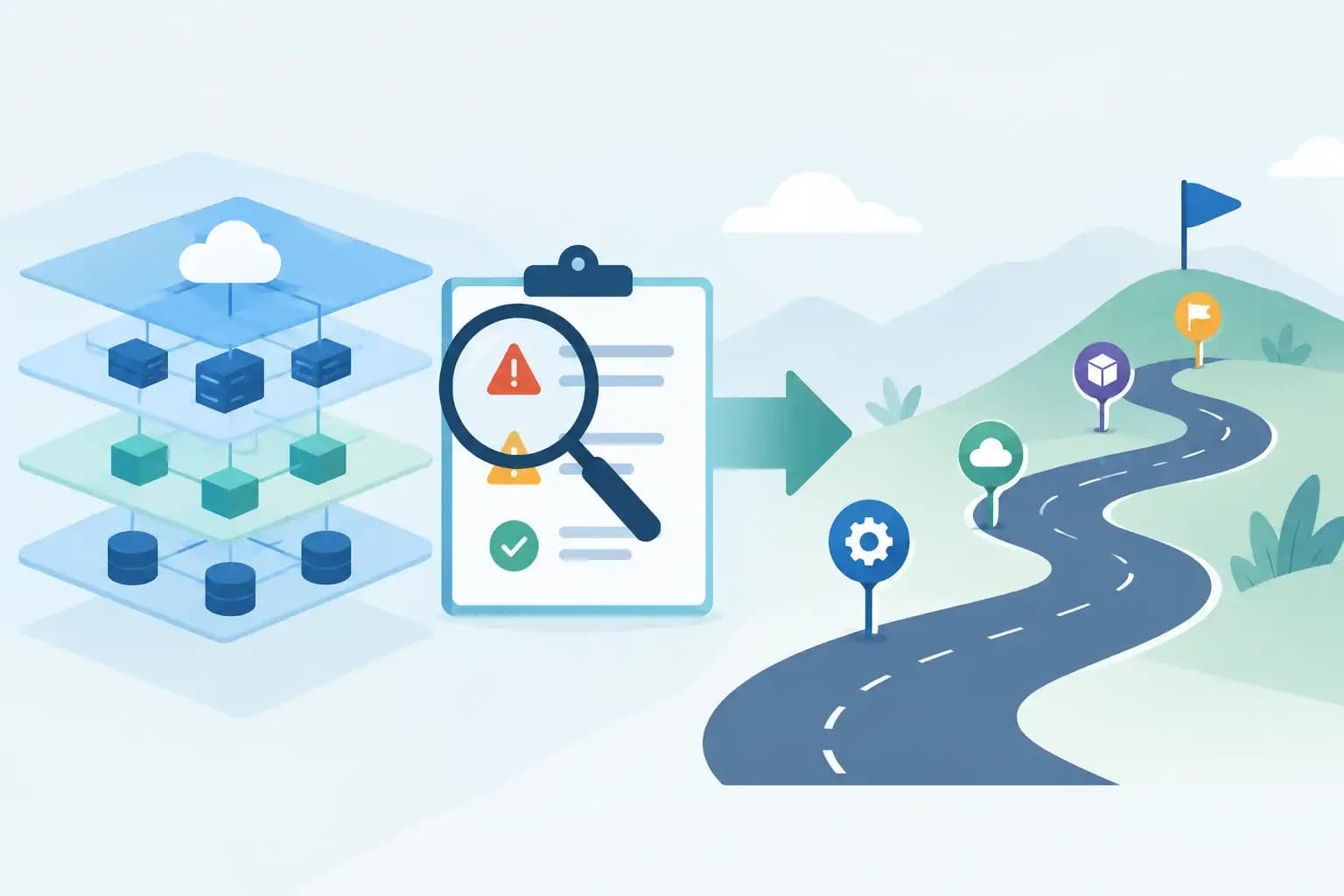
Start by mapping the current path of information. Identify what event starts the process, which system owns each piece of data, who needs to act next, and what must happen if the data is missing or invalid. A lead becoming a customer, an order being fulfilled, or a support issue being escalated are all events with clear triggers and consequences.
This exercise often exposes questions that teams have been working around instead of resolving. Is the CRM or billing platform the source of truth for account status? Should a canceled subscription immediately remove product access? Does every inbound request deserve a new record, or should duplicates be merged? If nobody can answer these questions, an integration will only make ambiguity happen faster.
The best design is not always fully automated. Some decisions require judgment, approvals, or context that a system cannot reliably infer. In those cases, the integration should prepare the right information, route it to the right person, and record the outcome. That is often more dependable than forcing automation into a process that has not earned it.
Define ownership before synchronization
Two-way synchronization sounds convenient, but it can create conflicts when both systems can change the same field. A contact record updated in a sales platform and an operations tool may have competing values for company name, status, owner, or permissions. Without defined ownership, the team is left asking which update should win.
For each important data object, establish a system of record. One platform may own customer identity, another may own invoices, and a custom application may own product usage. Other systems can receive copies of that data, but they should not overwrite the authoritative record without explicit rules.
This decision reduces duplicate records, makes troubleshooting faster, and prevents a subtle but serious issue: dashboards that look precise while reporting different versions of the same business reality.
Choosing the right integration approach
There is no single correct architecture for system integrations. The right choice depends on the process volume, data sensitivity, expected change rate, technical capability of the connected systems, and how central the workflow is to the business.
A no-code or low-code automation tool can be appropriate for stable, lower-risk workflows. It can help an operations team validate a process quickly and reduce repetitive work without waiting for a full software release. The trade-off is that complex logic, high volumes, custom error handling, and long-term governance can become difficult as the workflow expands.
Direct API integrations are often a better fit when a connection supports a core product capability, handles sensitive data, or requires specific performance and reliability controls. They allow the development team to manage validation, retries, security, observability, and versioning in a way that matches the broader application architecture. They also require more upfront engineering and ongoing ownership.
Middleware or an integration layer can be useful when many systems need to exchange data and the business expects those connections to evolve. Instead of embedding point-to-point logic throughout multiple applications, the organization can centralize transformations, authentication patterns, and monitoring. That can reduce future complexity, although it introduces another component that must be designed and operated well.
The question is not whether a solution is sophisticated. The question is whether it is proportionate to the operational risk and business value of the workflow.
Reliability is a product requirement
An integration that works during a demonstration but fails quietly in production creates a false sense of control. If the workflow affects revenue, customer access, fulfillment, reporting, or security, reliability needs to be part of the scope from the beginning.
That starts with failure scenarios. External APIs can be unavailable. A webhook can arrive twice. A record can be changed while a previous update is still processing. A destination system may reject data because a required field is missing. These are normal operating conditions, not edge cases to ignore.
A production-ready integration needs clear behavior when those events occur. It should validate incoming data, avoid creating duplicate actions when events are repeated, retry temporary failures appropriately, and surface exceptions where a person can resolve them. Logs should make it possible to answer basic questions quickly: What happened, when did it happen, what data was involved, and has it been corrected?
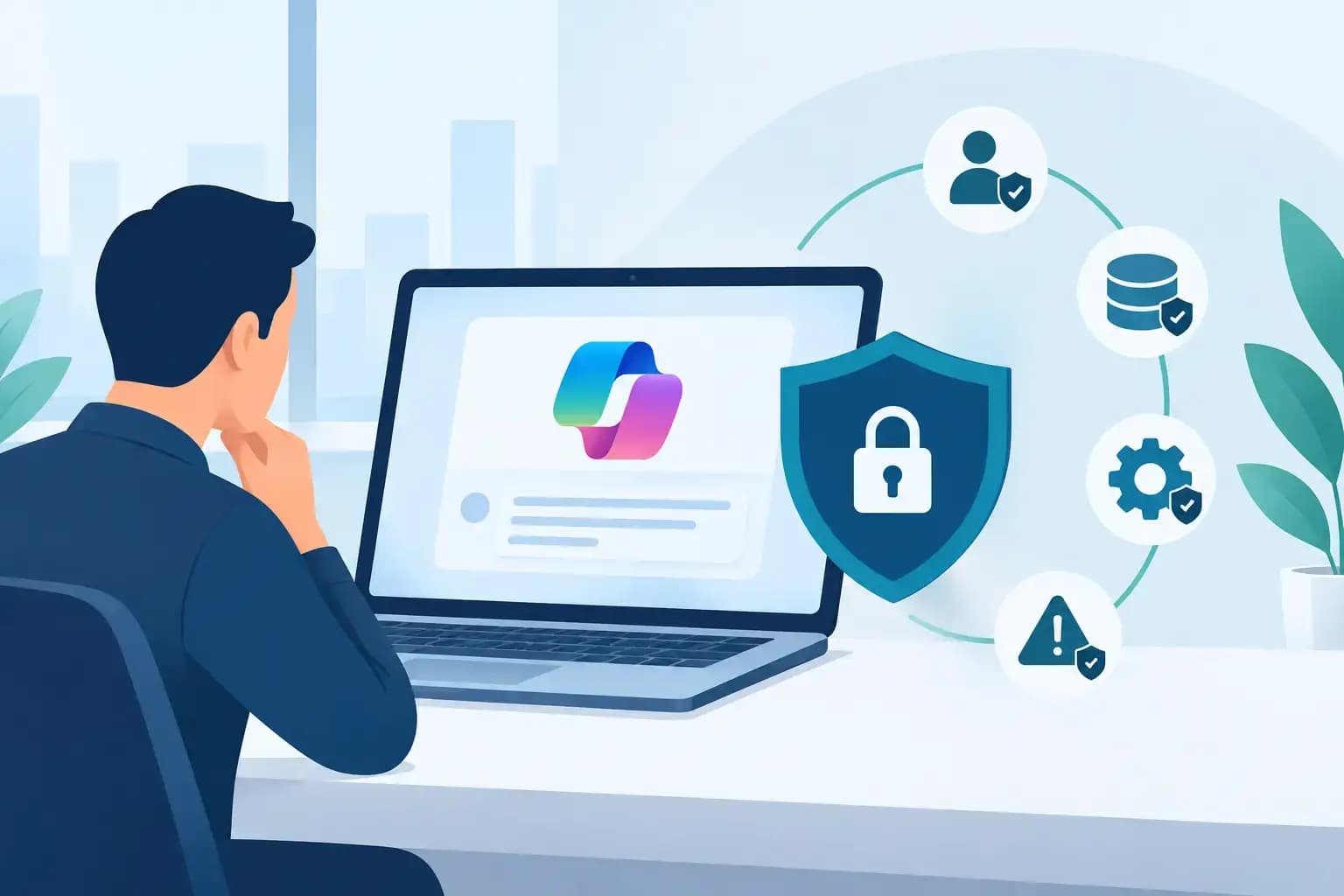
Security also belongs in the design, not the final review. Use least-privilege access, keep credentials out of source code, limit the data that moves between systems, and review where personal, financial, or sensitive operational information is stored. An integration may extend the reach of a platform, which means it can also extend the impact of a permissions mistake.
Build an execution roadmap that earns its complexity
Integration programs can lose momentum when every requested connection is treated as equally urgent. A better approach is to prioritize based on business impact, implementation effort, dependency risk, and the cost of failure.
A practical roadmap usually begins with a small number of workflows that remove visible bottlenecks or improve a critical customer path. That creates an opportunity to establish standards before the number of integrations grows. Teams can then apply the same conventions for naming, ownership, alerts, documentation, and change management to later work.
For each integration, define the following before development starts:
- The business outcome and the users affected
- The trigger, expected data, and destination action
- The source of truth for key records and fields
- Failure handling, alert ownership, and manual fallback
- Security requirements and access boundaries
This is not unnecessary documentation. It prevents the expensive version of discovery, where a team learns the real requirements after incorrect records, missed customer actions, or unreliable reports have already reached production.
Plan for change after launch
Every connected system changes. Vendors revise APIs, internal teams add fields, sales operations changes stages, and product teams redefine account states. An integration should be treated as an operational asset with an owner, not a one-time project that disappears after release.
Document what the connection does in business terms as well as technical terms. Monitor its health. Review it when upstream systems change. Most importantly, make changes deliberately rather than editing a live workflow under pressure. Small controlled updates are less disruptive than emergency fixes across a tangled set of dependencies.
Where AI fits, and where it does not
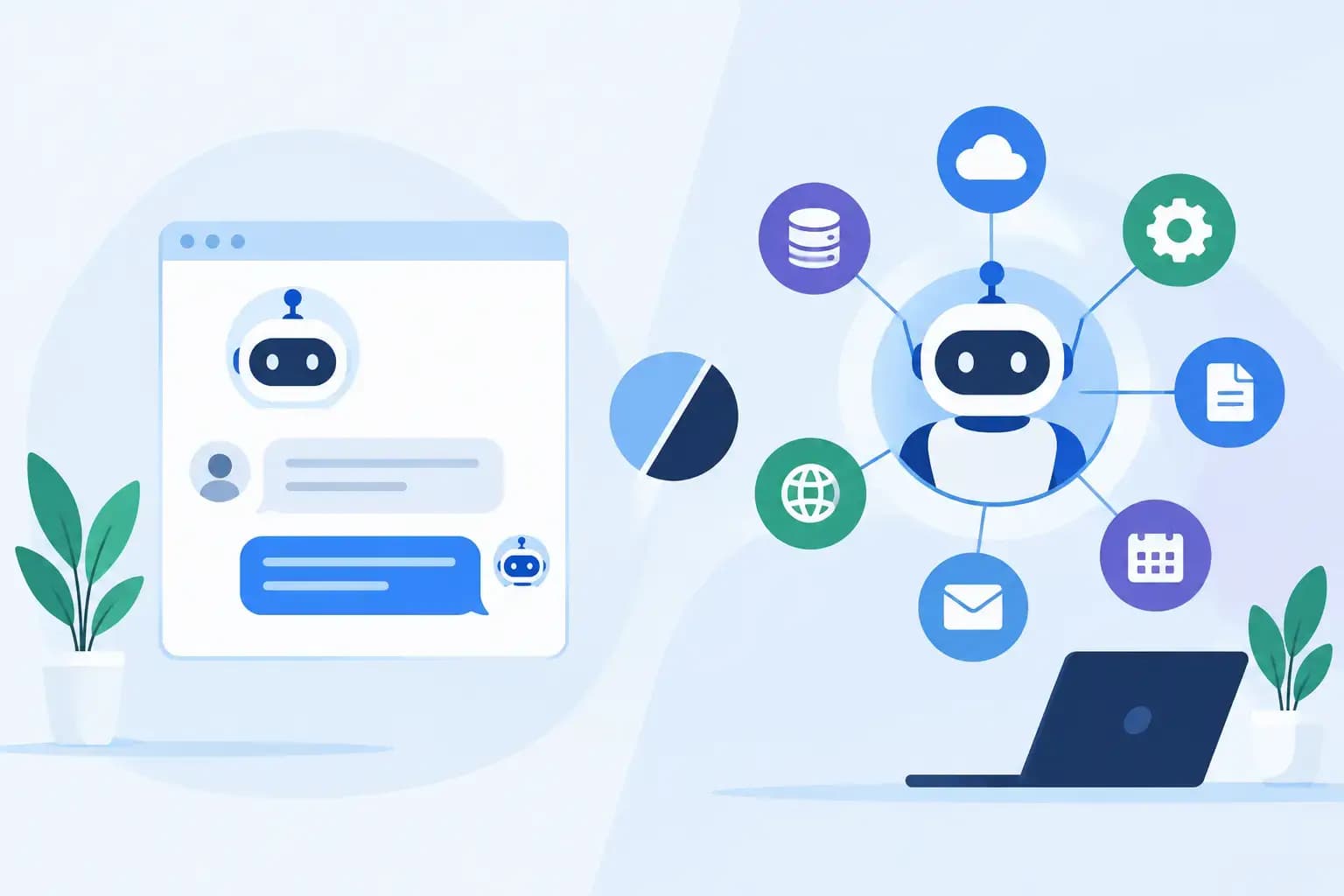
AI can improve certain integration-driven workflows, especially where teams need to classify incoming requests, extract structured information from documents, summarize context, or route work based on more than a fixed rule. But AI should not become a substitute for clear data ownership or predictable process logic.
For example, an AI-enabled intake workflow can turn unstructured customer requests into categorized records and send them to the right queue. It still needs validation, confidence thresholds, human review for uncertain cases, and controls over what data is shared with the model. The integration foundation remains essential.
SSO Agency approaches this work by connecting the workflow, architecture, and business objective before selecting the implementation path. That helps teams move from a collection of disconnected tools to an execution roadmap that can be built, monitored, and maintained without unnecessary overhead.
A useful next step is to choose one workflow your team touches every day and trace it from trigger to outcome. The gaps you find will usually point to the integration investment that matters most.