SSO Agency · November 24, 2026
Are Copilots Secure? A Practical Risk Framework
A copilot can turn a slow internal process into a fast one. It can also give an employee a new path to expose customer data, execute an unsafe action, or rely on an answer nobody has verified. That is why the question, “are copilots secure,” has no useful yes-or-no answer.
The more practical question is: secure for which workflow, using which data, with which permissions, and under whose control? Leaders evaluating AI assistants need to assess the full system around the model, not just the model provider’s security documentation. A well-designed copilot can reduce operational risk by standardizing work and limiting ad hoc access. A poorly deployed one can extend existing identity, data, and process weaknesses at machine speed.
Are copilots secure by default?
No copilot is secure by default for every business use case. Most enterprise products provide meaningful platform controls: encryption, access management options, audit capabilities, data handling commitments, and administrative settings. Those controls matter, but they do not automatically make a deployment appropriate for sensitive workflows.
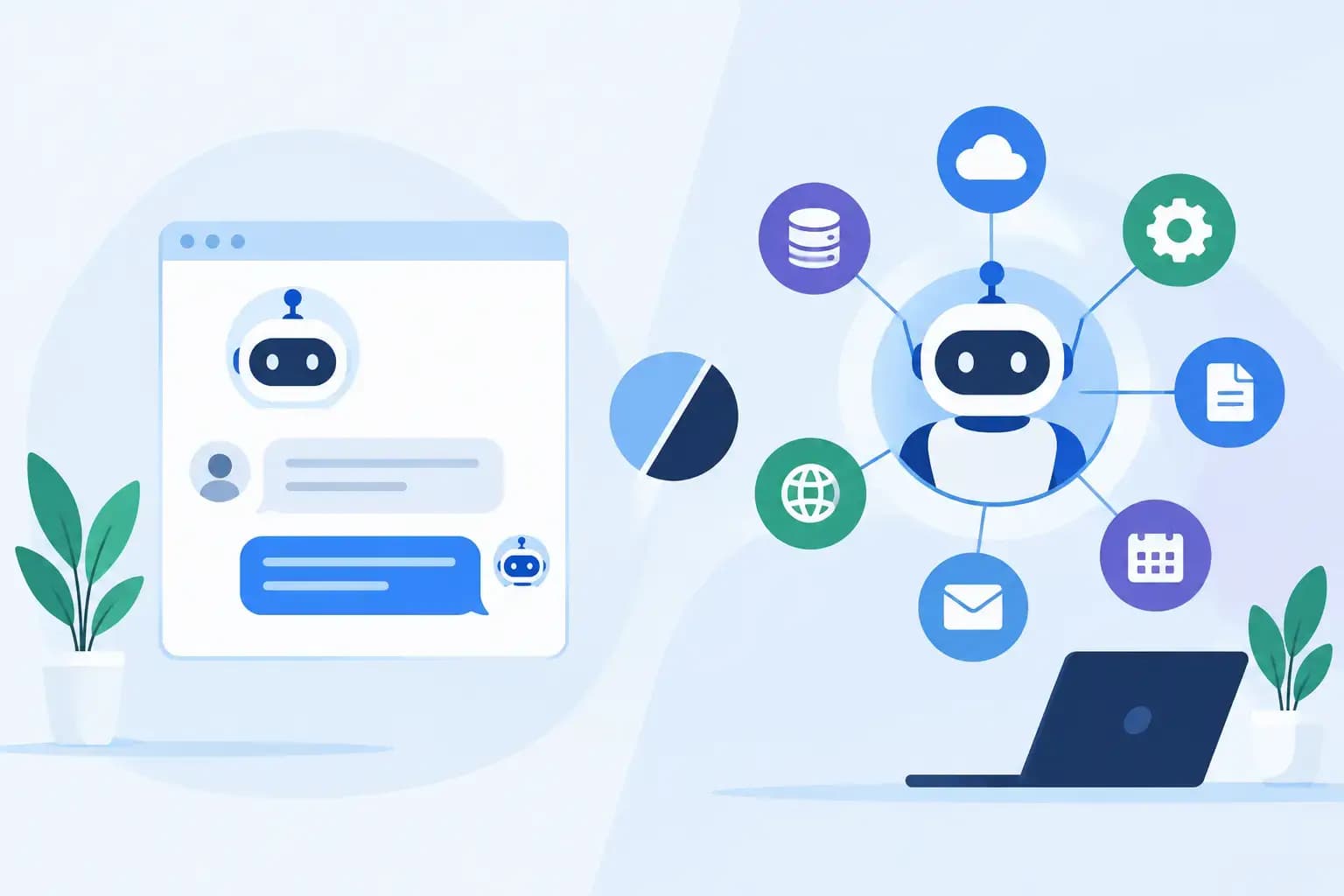
Security depends on configuration and scope. If a copilot can search internal documents, query a CRM, write code, create tickets, or call external tools, it inherits the permissions and data boundaries of the systems connected to it. The assistant should not receive broader access simply because it makes work more convenient.
This distinction is often missed during early adoption. Teams start with a useful experiment, connect additional sources to improve answer quality, and gradually turn a chat interface into a broad operational layer. The business value may be real, but the security model has changed substantially. A simple drafting assistant and an agent that can update customer records are not the same risk category.
The risks are usually around the copilot, not inside it
Foundation models can produce inaccurate or unexpected output, but the most consequential security failures often come from surrounding architecture and operating practices. Four areas deserve particular attention.
Data exposure through context and retrieval
Copilots need context to produce useful answers. That may include documents, knowledge bases, source code, support conversations, financial data, product roadmaps, or customer information. The risk is not only that this data reaches the model. It is also that the wrong user receives an answer assembled from information they were never authorized to see.
Retrieval systems need to enforce source-level permissions at query time. A user who cannot open a document in the original system should not be able to retrieve its contents through a copilot. This sounds straightforward, but permission synchronization, group membership, stale indexes, and shared folders can make it difficult in practice.
Data minimization is equally important. A copilot does not need access to every repository or business system on day one. Start with the smallest data set that supports a clear operational goal, then expand deliberately after testing access boundaries and answer behavior.
Excessive permissions and unsafe actions
A read-only assistant creates one class of risk. An assistant that can act creates another. If a copilot can send emails, modify records, deploy code, issue refunds, or trigger workflows, authorization needs to be explicit and constrained.
The right approach is least privilege. Give the system only the tools and actions required for its intended workflow, with narrow scopes and approval gates for consequential operations. For example, an internal operations copilot may prepare a proposed customer record update, while a human reviews and submits it. That adds a small amount of friction where it matters and avoids giving a probabilistic system unchecked authority.
Do not treat a human approval step as a complete control, however. Reviewers need enough context to spot an unsafe recommendation. Clear action previews, affected records, source citations, and sensible limits make approvals meaningful rather than ceremonial.
Prompt injection and untrusted content
Prompt injection occurs when content instructs an AI system to ignore its intended rules, reveal information, or take inappropriate action. The instruction may appear in a document, an email, a web page, a support ticket, or another source the copilot reads.
This is particularly relevant when assistants browse external content or process user-submitted material. A model may not reliably distinguish between data it should summarize and instructions it should follow. System prompts help, but they are not a security boundary.
Treat all retrieved and external content as untrusted. Separate instructions from data where possible, limit which tools an assistant can call, validate tool inputs on the server side, and require approval before high-impact actions. If a workflow involves money movement, production changes, regulated data, or irreversible communications, the control design should be more conservative.
Weak identity, logging, and ownership
A copilot does not replace identity governance. If an employee account is compromised, an assistant connected to internal systems may make that account far more capable. Strong single sign-on, multi-factor authentication, role-based access, and prompt offboarding remain foundational.
Teams also need usable logs. When the copilot generates an answer or proposes an action, administrators should be able to understand who used it, what systems it accessed, what sources informed the result, and what action occurred. Logging requirements will vary by use case, but no one should have to reconstruct a sensitive incident from scattered chat screenshots.
Ownership matters just as much. An AI tool without a named business owner, technical owner, and review process tends to accumulate integrations without a clear decision-maker accountable for risk.
A practical security baseline before deployment
The goal is not to make every copilot project slow or overengineered. It is to match the controls to the potential harm. A drafting assistant for public marketing copy does not need the same design as an assistant that accesses contracts or production systems.
Before production deployment, define the business task in plain language. Identify the users, the data sources, the allowed actions, and the failure modes that would materially affect customers, revenue, operations, or compliance obligations. This creates an execution boundary that engineering and business leaders can both evaluate.
Then establish a baseline that includes identity-based access, least-privilege tool permissions, data classification, source-aware retrieval controls, logging, retention decisions, and a human escalation path. Test the system with realistic misuse cases, not just happy-path prompts. Ask whether a user can retrieve another team’s data, whether a malicious document can influence an action, and whether the assistant can exceed its intended authority.
For custom copilots, build security checks into the application layer. Validate every action independently of the model’s output. The model can recommend a parameter or select a tool, but the backend should enforce authorization, data validation, rate limits, and business rules. This is a core design principle: the model is not the policy engine.
When a copilot is the wrong solution
Some workflows should not start with a copilot. If the underlying process is unclear, data is fragmented, or system permissions are already unreliable, adding conversational access can amplify confusion rather than remove it. In these cases, the higher-value move may be to clean up the process, strengthen integrations, or create a structured internal tool first.
A copilot is also a poor fit when a decision requires consistently deterministic judgment and the cost of an error is high. Automation may still be possible, but it should use constrained rules, validation, and clear exception handling rather than open-ended language generation.
The best AI initiatives tend to focus on narrow, repeated work with measurable value and manageable consequences. They start with a controlled use case, establish evidence that the workflow works, then expand access and capability with discipline.
Security should enable adoption, not block it
Security reviews become a bottleneck when they happen after a team has already selected a tool and connected business data. Bring security, product, operations, and engineering into the decision earlier. The conversation becomes more useful when it starts with the workflow and risk tolerance, rather than a generic debate about whether AI is safe.
For founders and executives, the key decision is not whether to approve or ban copilots broadly. It is where they can create operational leverage without creating unbounded access, opaque decision-making, or new dependencies that the team cannot maintain. A focused assessment can turn that question into a clear roadmap: what to pilot, what controls to build first, and what should remain off-limits for now.
Copilots are secure enough to create meaningful business value when they are treated as software systems with defined boundaries, not magic interfaces with unlimited access. Start narrow, enforce permissions outside the model, and expand only when the controls and operating ownership are ready to scale with the capability.