SSO Agency · July 26, 2026
HubSpot Integration Services That Scale Operations
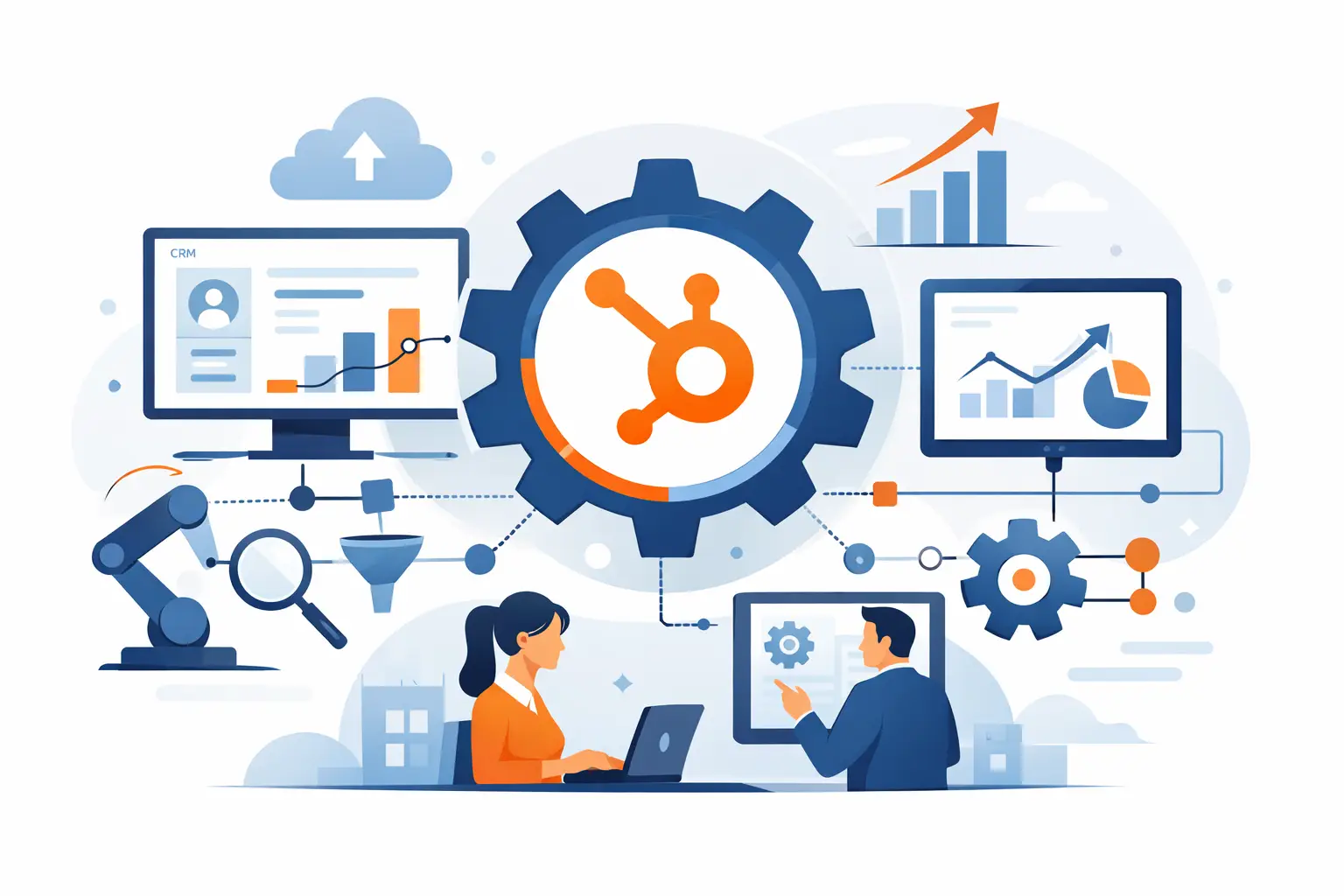
A CRM becomes a bottleneck when the team has to compensate for the systems around it. Sales representatives copy data from forms into HubSpot, operations teams reconcile records in spreadsheets, and finance or product data arrives too late to inform a decision. HubSpot integration services address that gap by connecting HubSpot to the systems that run the rest of the business - with clear ownership, reliable data flows, and an architecture that can support growth.
For a growth-stage company, the question is not whether HubSpot can connect to another tool. It usually can. The more useful question is whether the connection will preserve data quality, reflect the real operating process, handle exceptions, and remain maintainable after the initial launch. That is where integration work becomes a technical and commercial decision rather than a configuration exercise.
When HubSpot integrations become a business priority
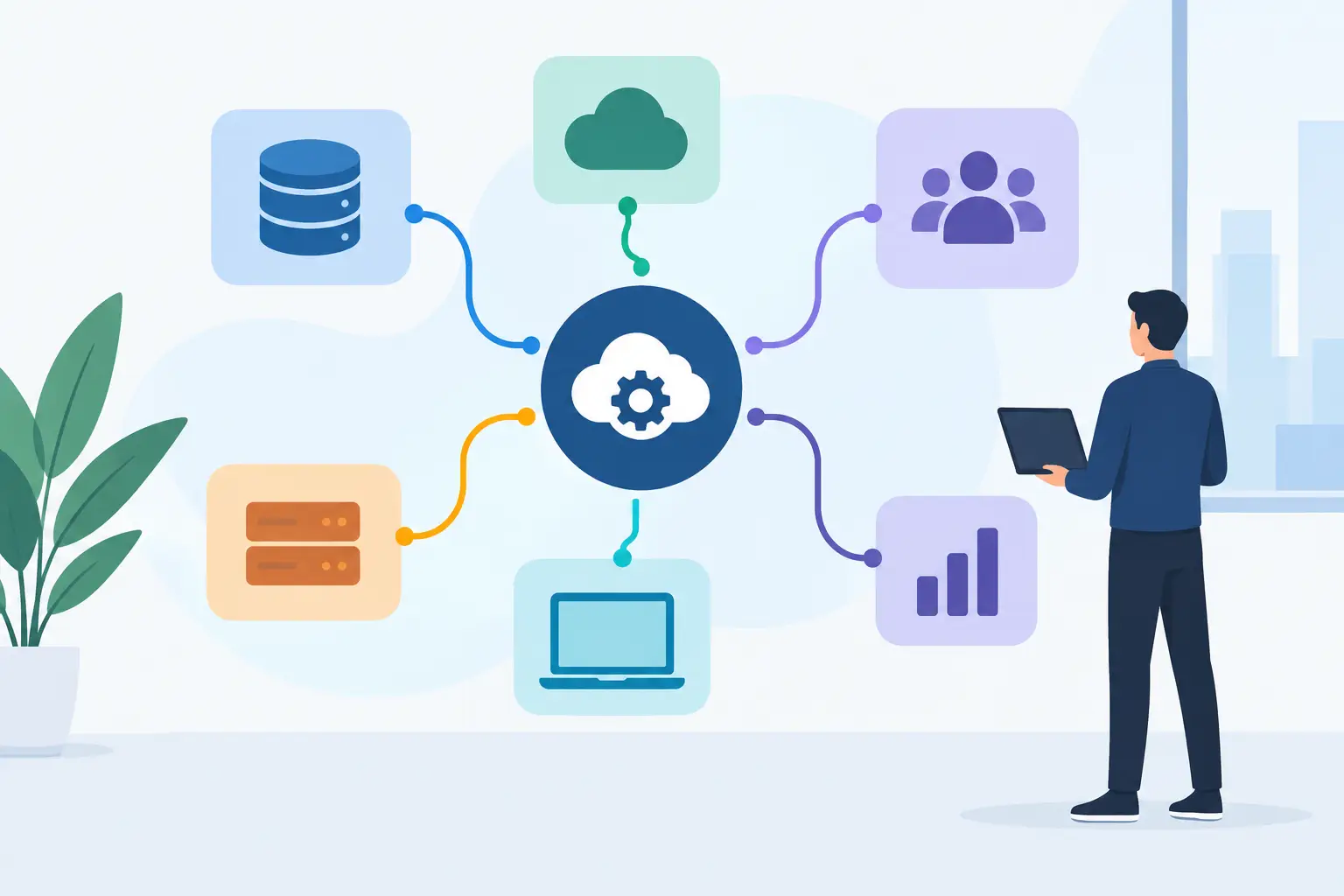
HubSpot is often adopted first by marketing or sales, then gradually becomes central to customer lifecycle management. It may hold leads, companies, contacts, deals, support activity, subscriptions, or customer communications. Meanwhile, the source of truth for important information may sit elsewhere: an ERP, billing platform, product database, support desk, warehouse system, custom application, or data warehouse.
The cost of disconnected systems is rarely one dramatic failure. It appears as small, persistent delays. A salesperson cannot see whether an account is active. Customer success works from outdated plan details. Marketing cannot reliably segment users by product behavior. Leaders question pipeline reporting because lifecycle stages and revenue records do not agree.
Those problems also create risk. Manual updates introduce duplicates and missing fields. One-way syncs can overwrite correct information. A workflow that worked at 200 contacts may fail when thousands of records update in a short period. Building the connection properly reduces operational friction while giving leadership a more credible view of growth, retention, and execution.
What strong HubSpot integration services include
A useful integration begins with the operating model, not an API key. The team needs to establish which system owns each important record, what should happen when values conflict, and which events need to move in real time versus on a schedule. Without these decisions, automation can make inaccurate processes run faster.
Data mapping and ownership decisions
Every field should have a reason to exist and a defined owner. For example, HubSpot may own lead qualification and deal activity, while a billing system owns invoices, payment status, and subscription changes. A custom product platform may own user activity and account entitlements.
This sounds straightforward until the same company appears under multiple names, contacts share an email address, or sales needs a commercial status that is calculated from several systems. A senior technical team maps those conditions before implementation. The outcome is not simply a field-to-field sync. It is a data model that supports reporting, automation, and future changes without creating a second source of truth.
The right integration approach
Native HubSpot integrations are often the right starting point. They can be quick to deploy, easier for operational teams to manage, and sufficient for standard workflows. Middleware platforms can work well when a company needs to connect several SaaS tools with repeatable logic and moderate data volumes.
Custom integration is justified when the process involves proprietary systems, complex business rules, higher volumes, sensitive data, or requirements that off-the-shelf connectors cannot meet. It may include custom API services, event-driven workflows, middleware extensions, private apps, data transformation layers, and monitoring.
The trade-off is clear. A custom solution offers more control, but it also needs documentation, tests, observability, and an owner who can maintain it. The goal is not to build custom software for every connection. It is to choose the simplest approach that meets the business requirement without creating fragile dependencies.
Workflow automation that respects real processes
HubSpot workflows can remove meaningful manual work: routing leads, assigning owners, enrolling contacts in lifecycle communications, creating tickets, notifying teams, and triggering downstream actions. Yet workflows should not become a hidden replacement for a well-designed business process.
A practical review looks for handoffs, approval points, exceptions, and failure states. If an integration creates a deal after a payment event, what happens when the customer has multiple active companies? If a product event changes a lifecycle stage, should it happen for every user or only an account owner? If a record cannot be matched, who is alerted and how is it resolved?
These details determine whether automation helps the team move faster or creates quiet errors that surface months later.
Common HubSpot integration patterns
The right pattern depends on the growth objective. A B2B SaaS company may connect HubSpot to its application database so sales and customer success teams can see product adoption signals. A service business may sync signed deals to project delivery and finance tools, reducing the handoff time between selling and delivery. An ecommerce business may bring purchase and support data into HubSpot to improve segmentation and retention communications.
Four patterns appear frequently across growth companies:
- CRM and product data integrations that turn usage, activation, or account-health events into actionable sales and customer success context.
- CRM and billing integrations that align deals, subscriptions, invoices, renewals, and payment status without relying on spreadsheet reconciliation.
- CRM and support integrations that give revenue teams visibility into open issues while helping support teams understand account value and sales commitments.
- CRM and data warehouse integrations that create more reliable reporting when HubSpot alone is not the right place for company-wide analytics.
Each pattern requires different decisions about timing, ownership, and data volume. Real-time updates are valuable for lead routing or critical customer events. For financial reconciliation or analytics, scheduled batch processing may be more stable and cost-effective. Speed matters, but only where it changes an operational decision.
How to evaluate integration risk before building
Integration projects fail most often because assumptions are left untested. A connector may support the two applications but not the specific objects, fields, API limits, or update behavior the workflow requires. A proof of concept can show that data moves, while hiding the harder questions around duplicate prevention, retries, security, and reporting.
Start with the process that needs to improve. Define the trigger, the data required, the desired action, the system of record, and the person accountable when something fails. Then assess the technical constraints: API rate limits, authentication method, webhook behavior, historical backfill needs, record volumes, sensitive data handling, and dependency on third-party tools.
Security deserves direct attention. Integrations often run with broad permissions because that is expedient during setup. Better practice is to use least-privilege access, separate credentials by environment where appropriate, protect secrets, log meaningful events, and review access as systems and teams change. This is especially relevant when customer information, payment data, or internal operational data moves between platforms.
A practical roadmap should also address rollout. Migrating all historical data and activating every workflow at once is not always wise. A phased release can validate mappings, user behavior, and error handling with a controlled set of records before the integration becomes business-critical.
Choosing a delivery partner for HubSpot integration services
A HubSpot-focused agency can be a strong fit for portal strategy, CRM configuration, marketing operations, and standard integrations. But when the work touches custom applications, legacy systems, complex APIs, data architecture, or a broader automation program, it needs experienced software engineering capability as well.
Look for a partner that can ask difficult questions early. They should be able to translate business goals into system requirements, identify where a native tool is sufficient, explain when custom development is justified, and provide a clear plan for testing and maintenance. They should also be comfortable challenging a request if the underlying process is unclear or the proposed automation creates long-term risk.
SSO Agency approaches HubSpot work as part of the wider technology foundation. That means assessing the surrounding systems, defining the integration boundaries, and building what the operating model actually requires. For agencies, scaleups, and established companies, this adds senior technical capacity without requiring a large internal platform team for every integration need.
Build for change, not just the first launch
A good integration should make the next operational improvement easier. Document the data model, name workflows clearly, capture business rules outside individual employees' memory, and monitor failures before users discover them. Revisit the design when the company adds a new product, changes its sales motion, enters a new market, or replaces a core platform.
The most valuable outcome is not that HubSpot talks to more tools. It is that the right people can act on trustworthy information without manual work filling the gaps. Start with the workflow that creates the most friction or risk, make the ownership decisions explicit, and build a foundation that can keep pace with the business.