SSO Agency · November 4, 2026
How to Secure AI Workflows Without Slowing Teams
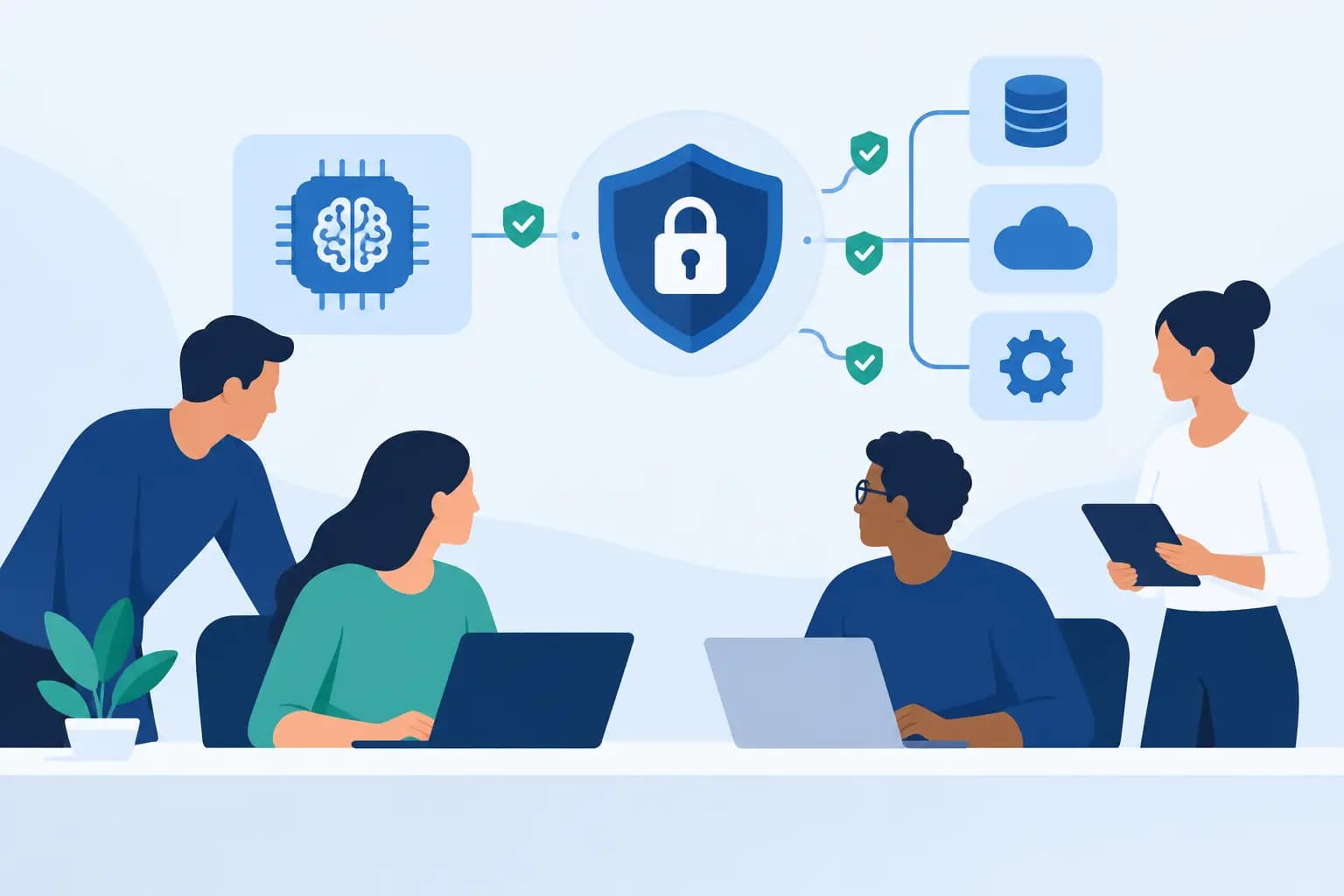
An AI assistant that can read a customer record, search internal documents, and send an email is no longer just a chat interface. It is an operational actor. That changes the security conversation. Knowing how to secure AI workflows means controlling what the system can see, what it can decide, and what it is allowed to do when a prompt, integration, or model response behaves unexpectedly.
For growth companies, the goal is not to put every experiment through months of review. It is to build enough structure that teams can automate meaningful work without exposing sensitive data, creating untraceable decisions, or giving an AI system more authority than the business intended.
Start with the workflow, not the model
Security reviews often begin with a question such as, “Which model are we using?” That question matters, but it is rarely the first risk to solve. The larger exposure usually sits in the workflow around the model: the systems connected to it, the data retrieved for context, the permissions assigned to service accounts, and the actions a model can trigger.
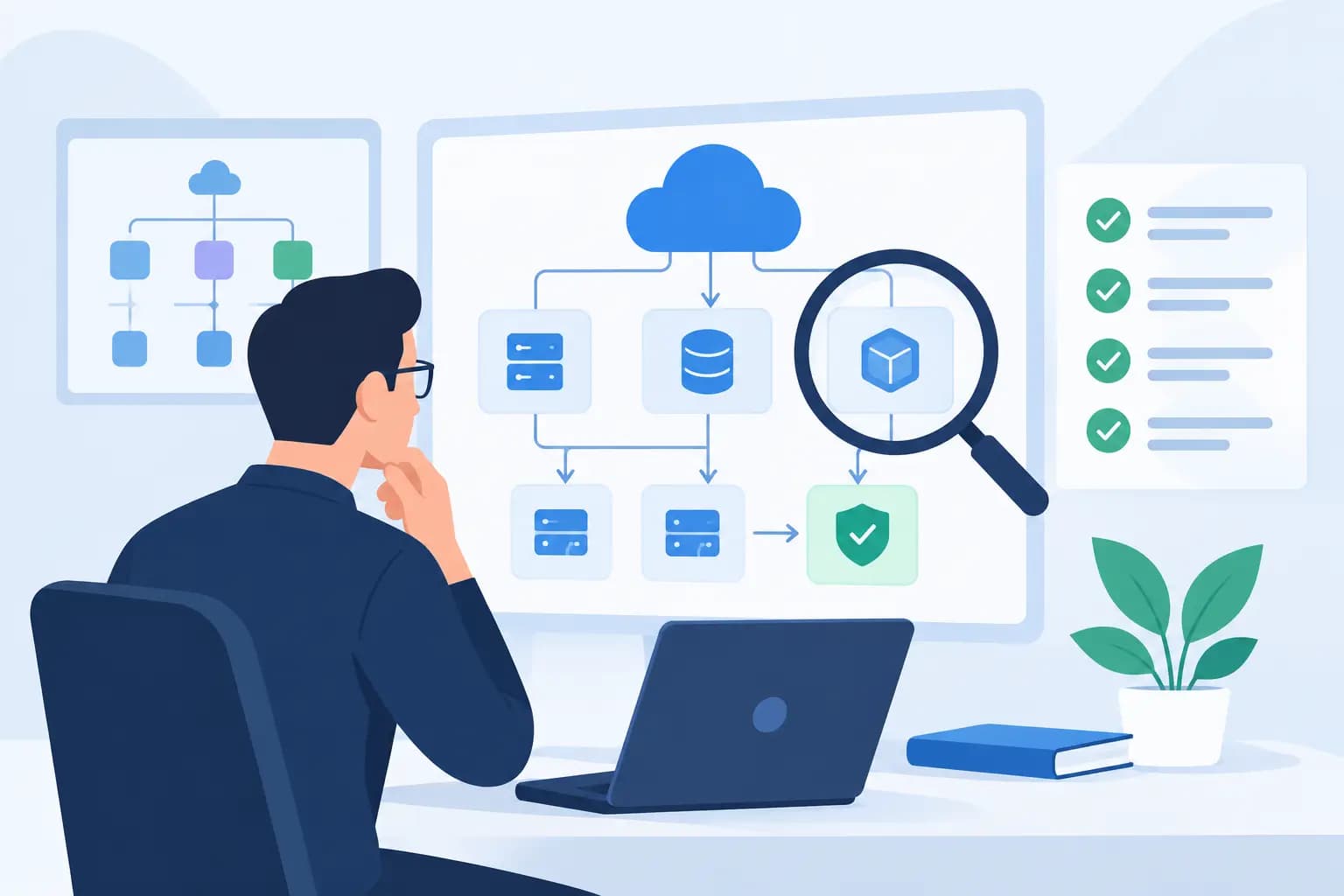
Map the workflow from start to finish. Identify who initiates it, which inputs enter it, where the AI system retrieves information, which external tools it can call, and where its output goes next. Include the “boring” components: automation platforms, API gateways, cloud storage, CRM records, support platforms, and internal databases. Those are often where unintended access accumulates.
A customer-support drafting assistant has a different risk profile from an agent that can update account details or issue refunds. The first may need controlled access to approved knowledge sources. The second needs explicit transaction limits, approval steps, and a complete record of each action. Treating both as generic AI use cases creates either unnecessary friction or an avoidable gap.
This mapping exercise also exposes ownership. Every production workflow should have a named business owner and technical owner. When nobody owns the workflow end to end, permissions, prompts, integrations, and failure handling drift over time.
Classify the data before it enters context
AI workflows are often built by connecting available systems as quickly as possible. That is useful for proving value, but it can turn a small experiment into a broad data-access layer. Before connecting a source, determine what types of information it contains and whether the workflow truly needs all of it.
Separate public or low-sensitivity information from internal operational data, customer information, confidential commercial data, and regulated data. Then apply a simple rule: retrieve the minimum information needed for the task. A sales assistant may need product details and a customer’s recent interaction history. It probably does not need complete billing records, unrestricted notes, or every attachment associated with an account.
Retrieval systems deserve particular care. If an AI assistant searches a document repository, the retrieval layer must enforce the same permissions users already have. Otherwise, the assistant becomes a path around established access controls. Document-level permissions, metadata filtering, and tenant isolation are not implementation details. They are part of the product’s security model.
Data retention needs a deliberate decision as well. Define whether prompts, retrieved records, outputs, and traces are stored; where they are stored; who can access them; and how long they remain available. Logging is necessary for support and investigation, but logs can become a secondary repository of sensitive content if they are retained without controls.
Use identity and least privilege as the foundation
The fastest way to turn a useful workflow into an operational risk is to give it a shared administrator credential because it is convenient. AI workflows should use dedicated identities, narrowly scoped API permissions, and separate credentials for development, testing, and production.
Each tool connection should receive only the permissions required for its specific job. If an agent needs to create a draft in a CRM, do not grant it permission to delete records, alter user access, or export the entire customer database. Where a platform supports it, add row-level, account-level, or tenant-level restrictions rather than relying only on broad application roles.
Human access needs the same discipline. Engineers may need trace visibility during implementation, while operations leaders may need performance reporting without seeing raw prompts or customer content. Centralized identity management, multi-factor authentication, role-based access, and prompt removal when staff change roles reduce the risk that an internal tool becomes an unmanaged exception.
Secrets should never live in prompts, source code, spreadsheets, or automation configuration visible to a wide group. Store them in an appropriate secrets-management system, rotate them on a defined schedule, and make credential use auditable. This is familiar engineering practice, but AI projects frequently bypass it when a prototype moves into production too quickly.
Put clear boundaries around actions
Models produce language, not reliable authorization decisions. An AI output that says “approve the refund” or “send the contract” should not automatically become an instruction with unrestricted authority.
Use deterministic controls between model output and business action. Validate structured fields, check policy rules, enforce monetary or volume thresholds, and confirm the identity and context of the requesting user. For consequential actions, require human approval. That can include sending external communications, modifying customer records, changing production configurations, processing payments, or granting access.
The right approval threshold depends on the cost of a mistake. Requiring a person to approve every low-risk internal task will erode the value of automation. Letting an agent independently make high-impact changes can create financial, contractual, and reputational exposure. A practical design is to automate low-risk, reversible work first and use review queues for exceptions or actions above a defined threshold.
Tool access should be allowlisted. An agent does not need open access to every API available in your environment. Define which tools it may call, what arguments each tool accepts, which environments it can touch, and how many actions it can take during one run. Rate limits, spend limits, and kill switches provide an additional layer when behavior becomes abnormal.
Design for prompt injection and untrusted content
Prompt injection is not only a model problem. It is a workflow problem. If an agent reads an email, web page, uploaded file, or support ticket, that content may include instructions designed to redirect it: ignore policies, reveal confidential information, or use a connected tool inappropriately.
Treat all external and user-provided content as untrusted data, not as system-level instruction. Keep system policies separate from retrieved text. Limit which tools the workflow can use after processing untrusted content, and require stricter approval when an action stems from an external source.
Input and output controls help, but they should not be presented as guarantees. Content filtering can catch obvious issues, while schema validation can reject malformed outputs. Neither replaces authorization checks. The safest assumption is that the model can misunderstand an instruction, follow an irrelevant one, or generate a plausible but incorrect response. The workflow must remain safe under those conditions.
Monitor the behavior that matters
A production AI workflow needs observability beyond uptime. Teams should be able to answer what input triggered a run, what information was retrieved, which model and prompt version were used, which tools were called, what actions occurred, and whether a person approved an exception.
Do not log sensitive content indiscriminately. Use redaction where possible, restrict trace access, and separate operational telemetry from raw customer data. The objective is to preserve enough evidence to investigate failures without creating another uncontrolled data store.
Define alerts around meaningful events: repeated failed authorization checks, unusual tool-call volume, access attempts outside an expected tenant, increased rejection rates, unexpected spend, or a sharp shift in approval outcomes. Monitoring should support business operations as well as security. If an automation begins producing poor drafts or routing work incorrectly, the impact may show up as slower service or lost revenue before it appears as a security incident.
Regular evaluation is part of this operating model. Test workflows with ordinary cases, edge cases, malformed inputs, and adversarial prompts. Re-test when models, prompts, tool permissions, retrieval sources, or business rules change. A prompt adjustment that improves helpfulness may also change how readily an agent attempts an action.
How to secure AI workflows through a phased rollout
Most teams do not need a perfect enterprise-wide AI governance program before shipping useful work. They need a clear execution roadmap that aligns controls with risk.
Start with one workflow that has a bounded purpose, measurable operational value, limited data exposure, and reversible outcomes. Build the access model, audit trail, approval rules, and failure path into that first release. Then use what the team learns to establish reusable patterns for identity, retrieval permissions, tool wrappers, logging, and evaluations.
Before expanding, review whether the original assumptions still hold. Has the workflow gained more users? Is it accessing new data sources? Are people treating its outputs as decisions rather than drafts? Has an internal prototype quietly become customer-facing? Security requirements should evolve with the workflow’s authority and reach.
For founders and technology leaders, the key decision is not whether to move fast or move safely. It is where automation can create value now, and where controls need to be explicit before the workflow earns more access. The teams that make that distinction early can ship practical AI systems while strengthening the technology foundation they will need to scale.