SSO Agency · July 31, 2026
AI Workflow Automation for Businesses That Scales
A customer onboarding process that depends on inbox triage, spreadsheet updates, copy-pasted CRM notes, and Slack follow-ups is not merely inefficient. It is a growth constraint. The work may get done while volumes are manageable, but every handoff adds delay, inconsistency, and operational risk. AI workflow automation for businesses can reduce that burden, provided it is applied to a defined business problem rather than treated as a collection of impressive demos.
For founders, operations leaders, and product teams, the opportunity is not to automate everything. It is to remove the manual bottlenecks that slow revenue, weaken customer experience, or consume senior team capacity. That requires clear process design, reliable data, thoughtful system integration, and controls that fit the risk of the workflow.
Where AI workflow automation creates business value
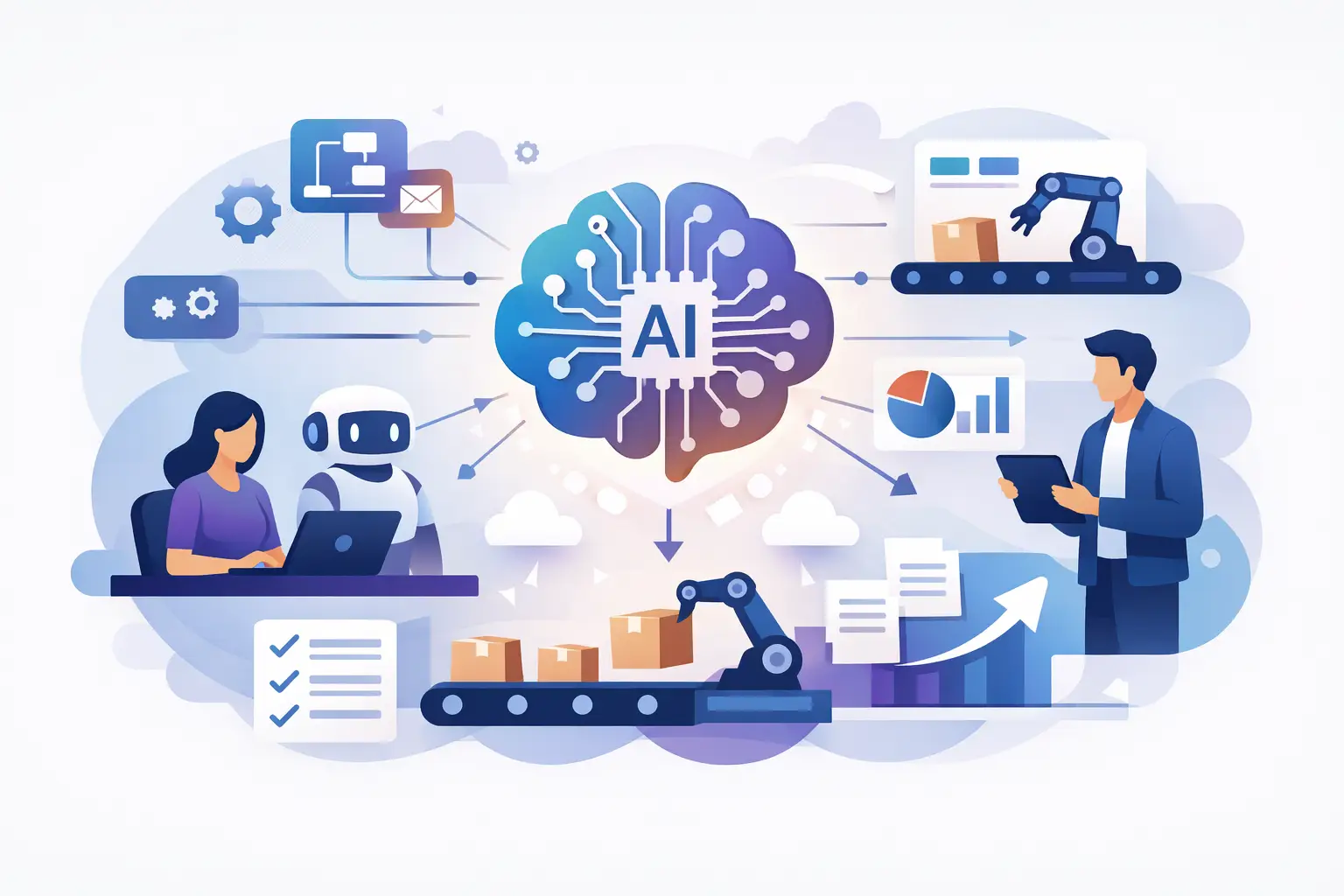
Traditional automation follows explicit rules: when a form is submitted, create a record; when an invoice is overdue, send a reminder. AI adds value where the input is variable or unstructured. It can classify incoming requests, extract relevant data from documents, summarize account history, draft a response for review, or route work based on meaning rather than a rigid field value.
This distinction matters. A rules-based automation is often cheaper, easier to test, and more predictable. An AI component becomes useful when rules alone would create an unmanageable number of exceptions or require a person to interpret the information first. The strongest workflows often combine both: deterministic rules for business logic and AI for interpretation, drafting, or prioritization.
Consider a B2B services company receiving inquiries through forms, email, and referral partners. A practical workflow might capture each lead, identify the company and intent, check for duplicates in the CRM, score the request against defined criteria, and route it to the appropriate owner. AI can summarize the inquiry and suggest a next step. The CRM remains the system of record, while a human retains control over high-value or ambiguous opportunities.
The value is measurable in operational terms: faster response times, fewer missed handoffs, cleaner records, less repetitive work, and clearer visibility into where work is stalling. Those outcomes matter more than whether a process includes a language model.
Start with the workflow, not the tool
Many automation initiatives stall because the team begins with a platform decision. They choose an AI assistant, integration tool, or agent framework before agreeing on what the workflow should accomplish. The result is often a proof of concept that works in isolation but cannot be trusted in daily operations.
Start by mapping one process from trigger to outcome. Identify where information enters, which systems are involved, who makes decisions, where employees rekey data, and what happens when the process does not fit the normal path. This exposes the real work. It also reveals whether the issue is an automation gap, poor system design, unclear ownership, or unreliable data.
A useful candidate has three characteristics. It occurs frequently enough to matter, has a reasonably defined outcome, and creates friction that a team can quantify. Repetitive intake, support triage, proposal preparation, document processing, reporting, knowledge retrieval, and internal request routing are common starting points.
Avoid beginning with a workflow that is both high-stakes and poorly understood. Automating contract approvals, credit decisions, or production infrastructure changes before establishing controls can increase risk faster than it creates efficiency. A lower-risk workflow with a visible baseline is usually a better first implementation.
Define the decision boundaries
Every automation needs a clear answer to one question: what is it allowed to do without a person approving it?
For example, an AI-enabled support workflow might categorize tickets and draft responses automatically, but escalate billing disputes, cancellation requests, or security questions to a trained team member. An operations workflow might extract fields from a document and flag missing information, but require approval before updating a financial system.
These boundaries should reflect the cost of being wrong. If an incorrect output creates minor rework, more automation may be appropriate. If it could cause compliance exposure, financial loss, or customer harm, the system needs stronger validation and human review. This is not a limitation of AI. It is sound operational design.
Build AI workflow automation for businesses on reliable foundations
An automation is only as dependable as the systems and data behind it. Fragmented tools, duplicate customer records, undocumented processes, and unclear permissions will surface quickly once a workflow starts moving at machine speed.
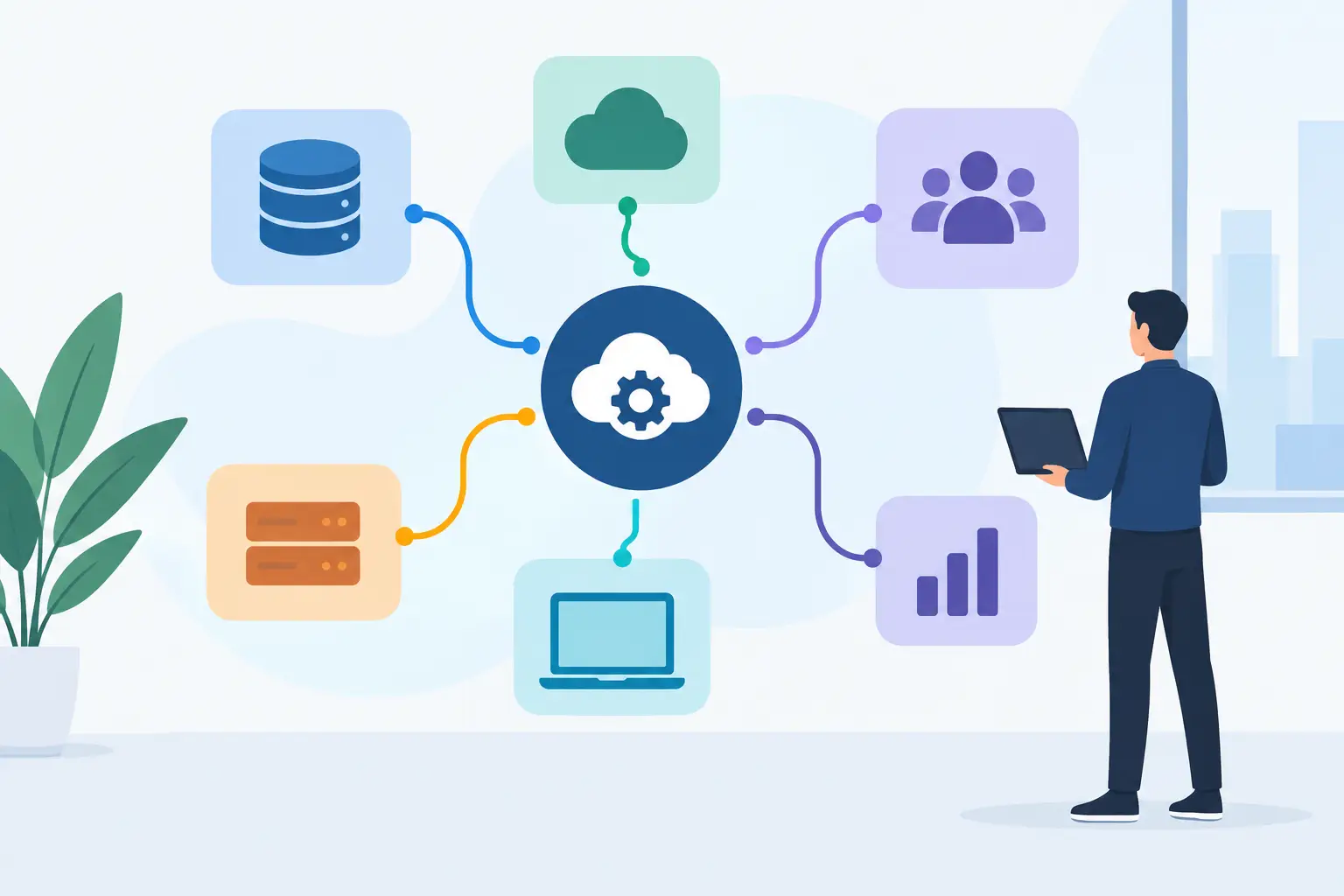
Before implementation, establish which application owns each important data set. A CRM may own account and opportunity data; an ERP may own invoices and fulfillment status; a support platform may own ticket history. The automation should read and write data through defined integrations, not create a parallel shadow database that becomes impossible to maintain.
Security requires the same discipline. Limit access to the data needed for the task, use approved credentials and service accounts, log key actions, and decide how sensitive information will be handled. If customer, employee, financial, or regulated data is involved, assess the model provider, retention settings, data-processing terms, and required controls before deployment.
There is also a maintainability question. Low-code tools can be an excellent fit for straightforward workflows and quick operational improvements. They may become fragile when a process requires complex branching, high volumes, custom authentication, detailed audit trails, or sophisticated error handling. At that point, a custom integration or internal service may be the more responsible investment.
The right architecture depends on the workflow's importance, expected volume, and rate of change. The goal is to scale without introducing unnecessary complexity.
A practical implementation sequence
A successful rollout is usually iterative. First, establish a baseline: how long the workflow takes, how often it occurs, what errors happen, and which team members are involved. Without this, it is difficult to tell whether the new process is improving operations or simply moving work elsewhere.
Next, build the smallest version that can complete a meaningful portion of the workflow. Connect the relevant systems, test on historical or controlled data, and define the escalation path for uncertain outputs. AI responses should be evaluated against real examples, including messy inputs and edge cases, not only ideal demonstrations.
Then run the workflow with supervision. Review output quality, exception rates, handoff failures, and user feedback. If the automation is creating new work through corrections, refine the prompts, rules, data validation, or process itself before expanding scope.
Once performance is stable, document ownership. Someone needs responsibility for monitoring failures, updating logic when business policies change, and reviewing whether the workflow still serves its original purpose. Automation without an owner tends to degrade quietly.
For organizations with multiple opportunities, a short prioritization exercise can prevent scattered experimentation. Rank candidates by expected business value, technical feasibility, data readiness, security exposure, and implementation effort. This produces a clear execution roadmap rather than a backlog of disconnected AI ideas.
Common failure modes to avoid
The first failure mode is automating a broken process. If approvals are unclear or teams disagree about what a qualified lead looks like, AI will make inconsistency faster. Resolve the operating model before encoding it.
The second is treating AI output as fact. Language models can produce plausible but incorrect summaries, classifications, or recommendations. Use structured inputs where possible, validate critical fields, and maintain review steps where the consequences justify them.
The third is building a one-off workflow that no one can support. A solution should have clear documentation, observability, alerting, and access controls. It should also be designed around the systems the business expects to keep, not a temporary workaround.
Finally, do not measure success only by time saved. Faster work is valuable, but the more strategic benefits may be better data quality, improved response consistency, fewer dropped requests, and the ability to grow volume without adding the same level of operational overhead.
Make automation an operating capability
The organizations that gain the most from AI automation do not chase isolated use cases. They develop a repeatable way to assess workflows, make risk-based decisions, build the right integration, and improve it after launch. That approach turns technical work into business decisions and gives leaders confidence about where to invest next.
SSO Agency approaches this work by connecting workflow design, system integration, security considerations, and hands-on delivery. The objective is not to add AI because it is available. It is to remove a meaningful manual bottleneck while strengthening the technology foundation around it.
Start with one process your team repeatedly works around. Map it honestly, measure its cost, decide where judgment is required, and build controls proportionate to the risk. A well-chosen workflow can create momentum for broader automation without asking the business to bet on technology it cannot maintain.