SSO Agency · October 1, 2026
Enterprise Automation That Scales Without Chaos
A finance team copies customer data from a CRM into billing software. Operations checks a shared inbox for approval requests. Product managers assemble weekly reports from three systems. None of these tasks looks catastrophic on its own. Together, they slow decisions, create avoidable errors, and make growth depend on people remembering the next step. Enterprise automation addresses this problem, but only when it is treated as an operating decision rather than a collection of tools.
The goal is not to automate every process. It is to remove manual bottlenecks where reliable execution matters most, while retaining the judgment, controls, and flexibility the business still needs. That requires a clear view of the workflow, the systems involved, the quality of the underlying data, and the cost of maintaining what gets built.
What Enterprise Automation Actually Means
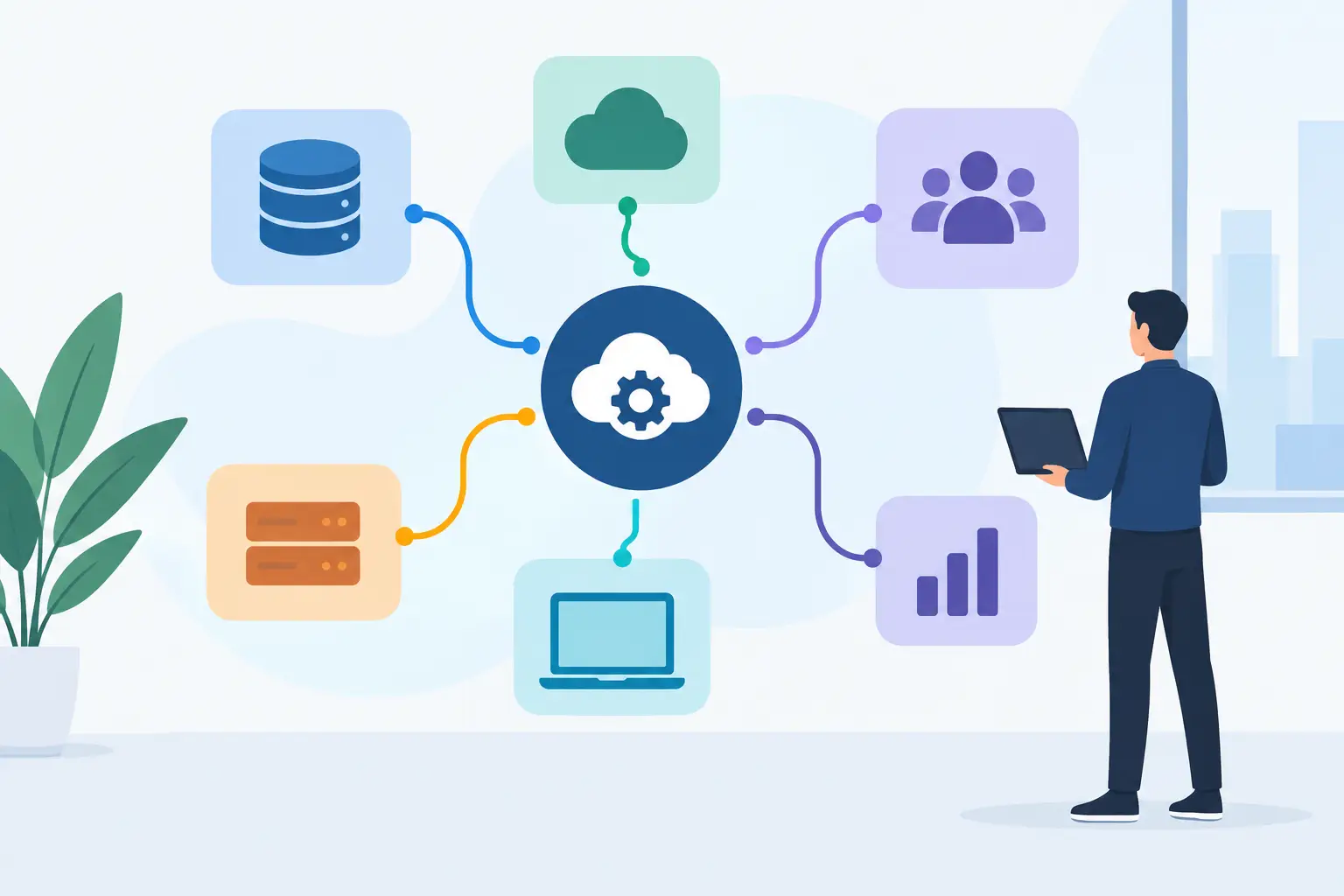
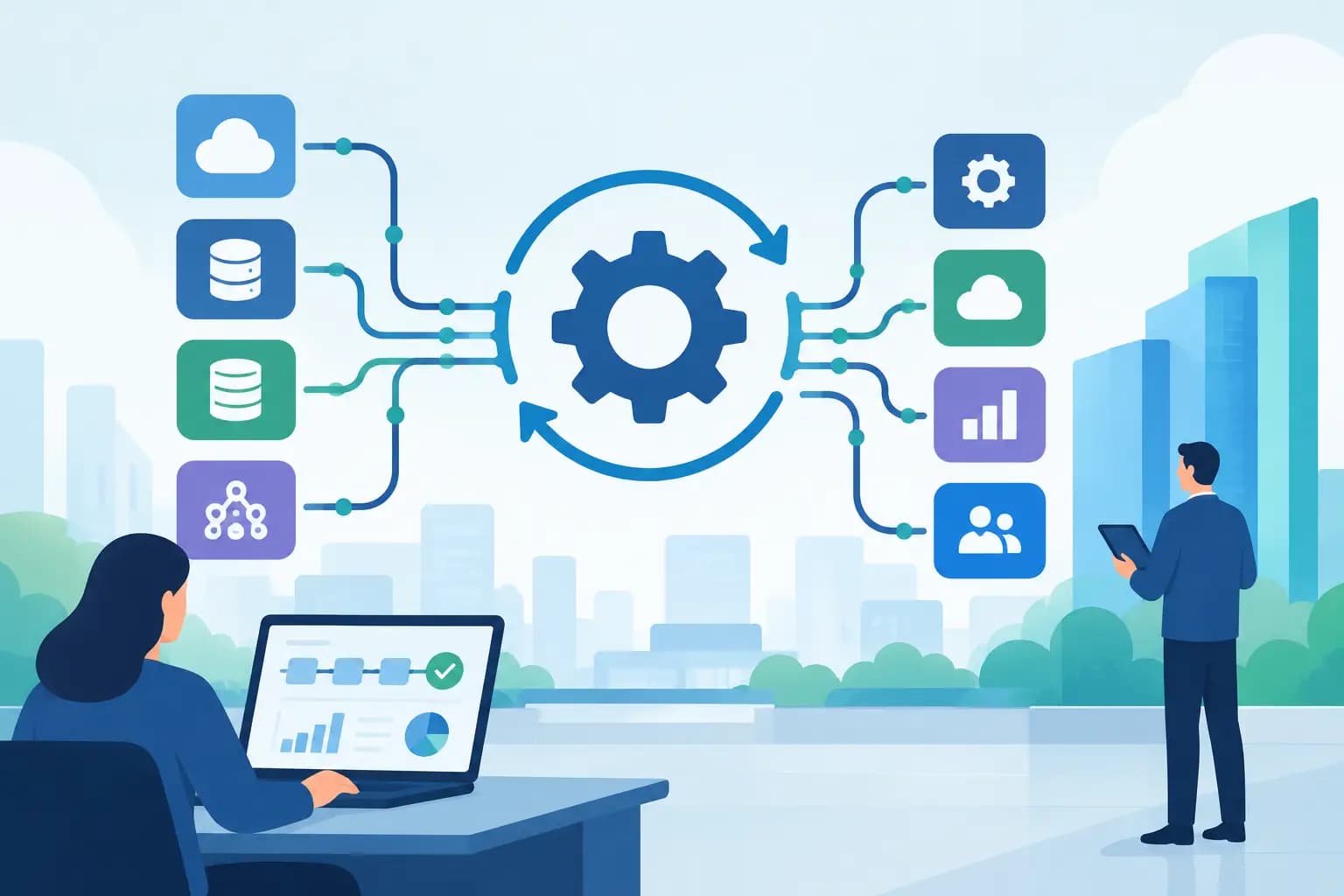
Enterprise automation connects systems, data, decisions, and actions across a business. It can range from routing a qualified lead to the right sales team to synchronizing customer records, generating internal documents, reconciling transactions, or using AI to classify and summarize incoming requests.
The distinction between a simple automation and an enterprise-grade one is not the software category. It is the operating context. An enterprise workflow often crosses departments, handles sensitive data, relies on several systems of record, and needs to work when volumes increase or exceptions occur. It must be observable, secure, and maintainable by people who did not build the first version.
That is why a quick integration can be useful without being ready for broad adoption. A workflow that works for ten requests a week may fail quietly at one thousand. A script that saves an employee an hour can become a business risk if it changes production data without approvals, audit history, or meaningful error handling.
Start With the Cost of Doing Nothing
The best automation candidates are rarely chosen because they are technically interesting. They are chosen because the existing process has a visible business cost: delayed customer response, rework, reporting gaps, revenue leakage, compliance exposure, or an operations team that cannot scale without adding headcount.
Before selecting platforms or designing an AI workflow, map the current state in plain language. Identify the trigger, the people involved, each handoff, the systems touched, the expected outcome, and the exceptions. Measure where work waits. Look for duplicate data entry, spreadsheet reconciliation, inbox-based approvals, and decisions made from incomplete information.
This exercise often reveals that the stated problem is not the real one. A request to automate reporting may actually be a data ownership issue. A sales-routing issue may stem from inconsistent lifecycle definitions in the CRM. An AI assistant may be premature if the knowledge it needs is fragmented, outdated, or inaccessible.
A practical prioritization model considers four factors: business value, feasibility, risk, and maintainability. High-value, low-complexity workflows are appropriate places to prove the approach. High-value workflows with significant dependencies may justify a more deliberate architecture and implementation plan. Low-value processes with unstable rules should usually wait.
Build Around Reliable Systems of Record
Automation amplifies the systems it connects. If customer data is inconsistent, automating synchronization spreads that inconsistency faster. If a legacy platform has unclear ownership or unreliable APIs, placing it at the center of a new workflow can create fragile dependencies.
Start by deciding which system owns each critical data object. For example, the CRM may own lead and account records, the billing platform may own invoice status, and an internal application may own service delivery milestones. Other tools can receive copies or updates, but they should not create conflicting versions of the same information.
This sounds basic, yet it is where many automation programs lose control. Teams add point-to-point connections as immediate needs arise. Over time, no one can confidently explain which update wins when systems disagree, or why a record changed. The business sees duplicate contacts, inaccurate dashboards, and staff workarounds. Engineering sees growing technical debt.
A stronger approach defines data contracts, ownership rules, and failure behavior before implementation. If a downstream system is unavailable, should the job retry? Should it create a task for human review? Should it stop entirely to prevent partial updates? Those decisions are part of the workflow design, not details to postpone until an incident occurs.
Design for exceptions, not just the happy path
Every meaningful business process contains exceptions. A contract is missing a required field. A customer has multiple active accounts. A request is urgent but does not meet the normal criteria. Automation should make exceptions visible and route them to the right person with the context needed to act.
The alternative is silent failure or forced manual cleanup. Neither is acceptable for workflows tied to revenue, customer experience, security, or financial operations. Good automation reduces repetitive work while making human judgment more effective where it still matters.
Where AI Belongs in Enterprise Automation
AI can make automation more useful when a workflow involves unstructured information: emails, support conversations, call notes, documents, proposals, or internal knowledge. It can classify requests, extract relevant fields, summarize large volumes of content, draft responses for review, or help employees find the right information faster.
It should not be inserted merely because a process contains text. AI outputs are probabilistic, which means the right design depends on the consequence of being wrong. A low-risk internal triage workflow may allow automated actions with monitoring. A workflow that changes customer commitments, pricing, contracts, or financial records should usually include tighter controls and human approval.
Production-grade AI workflows need clear instructions, scoped access to data, evaluation criteria, logging, and a plan for handling uncertain outputs. They also need cost and performance boundaries. Sending every document to a model may be unnecessary when deterministic rules can handle the majority of cases.
The useful question is not, “Where can we add AI?” It is, “Where does interpretation create enough operational value to justify the added complexity?” That framing keeps the implementation tied to the business objective.
Enterprise Automation Needs Governance That Fits the Risk
Governance does not need to mean a slow committee process. It means assigning clear ownership and establishing controls proportional to what the workflow does.
For a critical automation, ownership should be explicit across the business process, technical implementation, data quality, and ongoing support. Teams should know who can change rules, who approves production releases, and who responds when an integration fails. Access should follow least-privilege principles, especially when workflows connect customer, financial, or employee data.
Observability is equally important. Teams need logs that show what ran, what changed, what failed, and whether retries succeeded. Business-facing metrics matter too: processing time, exception rate, manual touches, and completion volume. Without this visibility, an automation can look successful while quietly shifting work to another team.
Documentation should focus on operational reality. Explain the purpose of the workflow, its triggers, systems of record, decision rules, dependencies, and recovery steps. A concise runbook is more valuable than a forgotten technical diagram.
Move From Pilot to a Repeatable Capability
A pilot should answer a specific question: can this workflow produce value reliably enough to expand? It should have a defined scope, an owner, success measures, and a decision point. Avoid pilots that become permanent because no one planned the path to production.
Once a pilot proves useful, standardize the patterns behind it. Reusable integration components, approval models, logging practices, testing procedures, and security reviews reduce delivery time for the next workflow. This is how automation becomes a business capability rather than a set of disconnected experiments.
For growth companies, the right path often combines assessment and delivery. First, identify the processes creating the largest operational drag and the technical constraints that could derail implementation. Then build the highest-priority workflows with the architecture, controls, and documentation needed to operate them. SSO Agency approaches automation this way: as hands-on work that connects business priorities to systems that can be supported after launch.
The strongest enterprise automation programs do not try to remove people from every process. They remove the repetitive work that prevents people from making better decisions, serving customers, and building the next stage of the business.